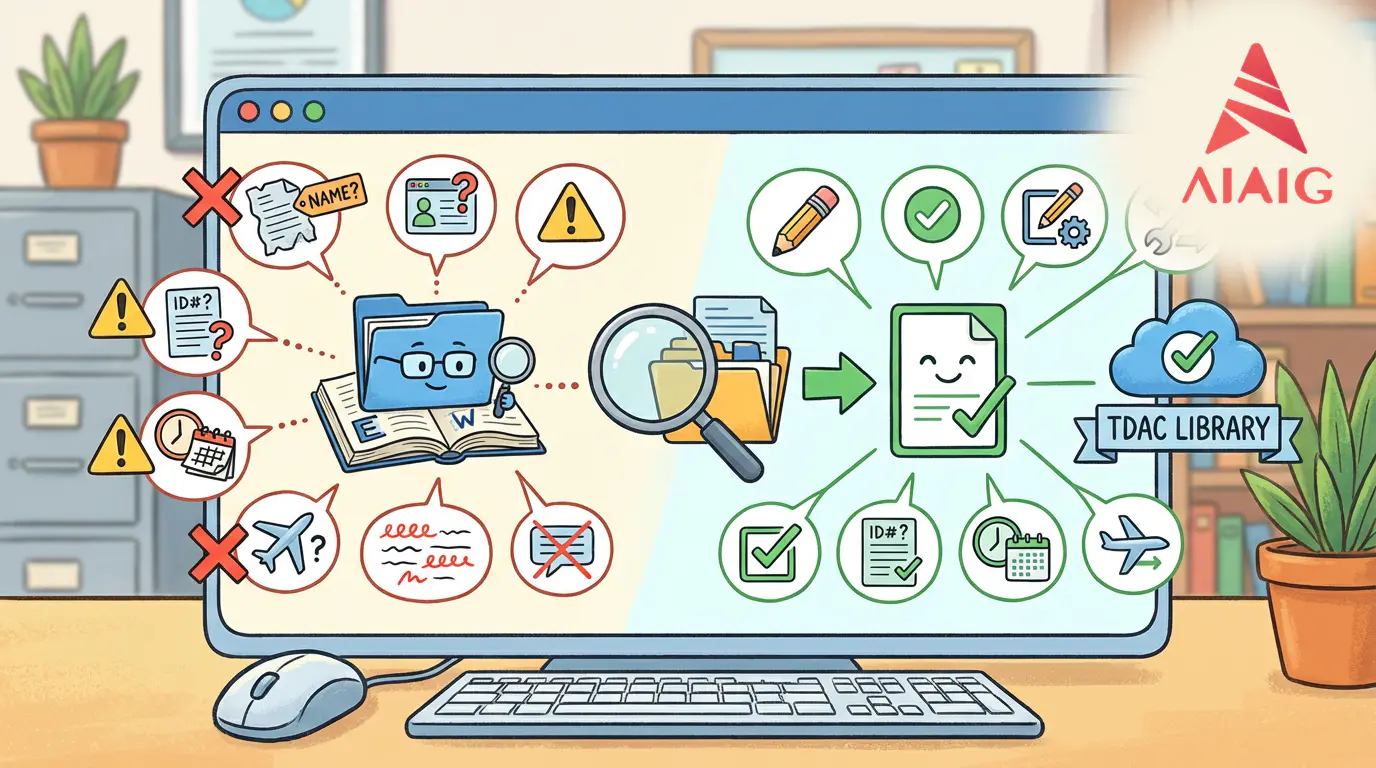
TDAC Common Error Library: How to Correct Name Spelling/ID Number/Date Format/Flight Changes (2026 Update)
First, clarify the rules: TDAC "What can be changed, what cannot be changed"
In the TDAC official guide, the system provides the Update Arrival Card (update) function, but it also clearly states: some core identity information is "not modifiable through the update function"; if these must be changed, the official recommendation is to resubmit a new form, with the system taking the "latest submission" as valid.
A. Scope allowed for updates (official statement)
You can update submitted information (e.g., flight, accommodation, and other travel-related details) via the "Update Arrival Card" before travel.
B. Core fields that cannot be modified through updates (official statement)
The official user guide specifies: Full Name (passport name) / Nationality / Date of Birth cannot be updated; the official FAQ further states: Passport Number is also not within the updatable scope.
C. Conclusion: Only two correction paths
- Updatable fields: Modify and resubmit using the Update Arrival Card.
- Non-updatable fields (name/passport number/nationality/birth date): ==Directly resubmit== (Submit new form), with the system only considering the latest valid submission.
Tip: Retrieving the update entry typically requires the TDAC number + date of birth + nationality (as per system requirements), so be sure to save the TDAC file/QR code received in your email.
1) Error library overview: Quickly locate by "the phenomenon you encounter"
Below is a tool table of the most common issues made as "phenomenon → cause → immediate correction" (you can directly paste it into the AIAIG tool page).
| Phenomenon/Error you see (common) | High-probability cause | Immediate correction action (priority from high to low) | Ultimately requires "update" or "re-fill" |
|---|---|---|---|
| Name mismatch / Name invalid / Inconsistent with passport | 1) Used nickname/inconsistent Chinese pinyin 2) Wrong name order 3) Extra punctuation/spaces 4) MRZ recognition misread characters (0/O, 1/I) | ① Check character by character against the ==passport MRZ== (machine-readable zone) ② Use all English ③ Do not add commas, periods ④ If using MRZ scan, manually verify each item after recognition | Re-fill (name not updatable) |
| Passport number invalid / Passport No. invalid | 1) Passport number contains spaces 2) Letter O written as number 0 3) Letter I written as 1 4) Entered old passport number | ① Remove all spaces and symbols ② Check character by character against the passport information page ③ Avoid auto-fill/auto-correct ④ If using a new passport, re-fill with the new passport number | Re-fill (passport number not updatable) |
| Birth date/date format error / Invalid date / Date selector not allowing selection | 1) Date format inconsistent with system requirements 2) Used manual entry but system requires selector 3) Timezone/browser cache causing display anomalies | ① Prioritize using the system date selector ② Input according to the format indicated on the page (do not create your own format) ③ Clear cache/change browser/incognito mode ④ If still not working, switch device (desktop) | Re-fill (birth date not updatable) |
| "No record found/cannot update" / No record found | 1) TDAC number incorrect 2) Birth date/nationality inconsistent with submission 3) You submitted multiple times, using an old TDAC number | ① Copy the TDAC number from email/downloaded PDF ② Confirm birth date and nationality match the submission ③ If you have already re-filled, use the ==latest TDAC== for updates | Depends on which field you need to change |
| Flight changed, how to modify? | The flight/arrival date/departure location you filled has changed | ① If only flight/travel fields change, use Update Arrival Card ② After modification, resubmit and download new QR | Usually update (flight is updatable) |
| Accommodation hotel/address changed, how to modify? | Accommodation information changed or address written incorrectly | ① Use Update Arrival Card to modify accommodation fields ② Resubmit and save the updated TDAC | Usually update (accommodation is updatable) |
| Not receiving email/did not save QR code | Email entered incorrectly, went to spam, or network issues | ① Check spam folder ② Use saved PDF/screenshot ③ If no record at all, resubmit and confirm email is correct | Case-dependent (commonly re-fill) |
2) Name Spelling (Easiest Pitfall): Use MRZ as the Sole Authority
TDAC name consistency should, in principle, match your passport information (especially the MRZ machine-readable zone). Here's a "zero-dispute" approach:
A. How You Should Fill It Out (General Practice)
- Family Name: Exactly as on the passport information page/MRZ (do not add spaces/symbols).
- Given Name: Fill in the given names from the passport in order (if multiple, present as on the passport), do not use abbreviations.
- Middle Name: If it is part of the given name on the passport, include it in the Given Name (do not split based on feeling).
- Use English for all (official guidelines also specify that all information must be in English).
B. Typical Error Checklist (You Can Self-Check Item by Item)
- Using pinyin as an English name (inconsistent with passport)
- Adding commas/periods/double quotes to the name
- Reversing the name order
- MRZ recognition errors not double-checked (common with 0/O, 1/I)
C. What to Do If You Find a Name Error?
Name is one of the fields explicitly stated as "non-updatable" in the official guidelines: ==directly resubmit a new TDAC==, ensuring the new submission information is correct; the system takes the latest submission as authoritative.
3) Passport Number: Most Common Issues Are "Spaces/Character Confusion/Old Passport"
A. Three High-Frequency Pitfalls
- Including Spaces or Symbols: Most common when copying and pasting.
- Character Confusion: O/0, I/1, B/8.
- Passport Change: Submitted with an old passport number and then got a new passport.
B. Correct Fix Method
- If the passport number is wrong: ==do not attempt to use the update function== (official FAQ stance: passport number cannot be updated), simply refill.
- After refilling, keep the latest version of the TDAC (email/download PDF/screenshot QR code).
C. Tips for Operators/Assistants
If you are helping family or clients fill it out: always have them take a clear photo of the passport information page + MRZ, and have them verify the three items "name/passport number/birthdate" before submission to avoid refilling costs.
4) Date Format and Flight Changes: How to Change, and to What Extent Should You Refill?
A. Date Format Errors: Prioritize Using the "System Selector", Minimize Manual Entry
- Use selection options if available (reduce format mismatches).
- When input is necessary, strictly follow the format indicated on the page (do not invent YYYY/MM/DD or DD-MM-YYYY).
- If errors persist: clear browser cache/use incognito mode/switch browsers (Chrome/Firefox preferred)/change devices (computer preferred).
B. Flight Changes: Usually Can Be "Updated", But There Are Two Bottom Lines
- If you need to change "updatable fields" (flight, accommodation, itinerary, etc.), use Update Arrival Card.
- If you find "core identity fields" are also wrong (name/passport number/nationality/birthdate), then ==do not just update==, directly refill.
C. Official Update Process (You Can Directly Write It as a Step Diagram)
- On the official website, select Update Arrival Card
- Enter retrieval information as required (usually includes: TDAC number, date of birth, nationality)
- After finding the record, edit the updatable fields
- Resubmit and download the new TDAC (QR code)
Official FAQ also states: if information cannot be updated (e.g., core identity fields), it is recommended to refill; and multiple submissions are allowed, with the system taking the latest submission as authoritative.
- I misspelled one letter in my name. Can I update it directly?
- No. The official guidelines clearly state that Full Name (passport name) is a non-updatable field. The correct approach is to resubmit a new TDAC, as the system considers the latest valid submission as authoritative.
- I entered one digit too many or too few in my passport number. Can I update it?
- No. According to the official FAQ, Passport Number is not within the updatable scope. Please refill and ensure the passport number matches exactly with the information page of your passport.
- My flight number or arrival time has changed. Do I need to refill the form?
- Usually not. Flight/itinerary details are updatable information. You can use Update Arrival Card to make changes, resubmit, and download a new TDAC QR code.
- I submitted twice. Will this cause issues? Which submission is actually valid?
- The official FAQ clarifies: multiple submissions are allowed, and the system only recognizes the latest valid submission. It is recommended that you keep the latest version of the PDF/email and QR code.
- Why does it say 'record not found' when I try to update?
- The most common reasons are: incorrect TDAC number entered, inconsistency in date of birth/nationality with the original submission, or you have refilled the form but are using an old TDAC number. Please copy the latest TDAC number from your email/PDF and try again.
Last updated Feb 18, 2026