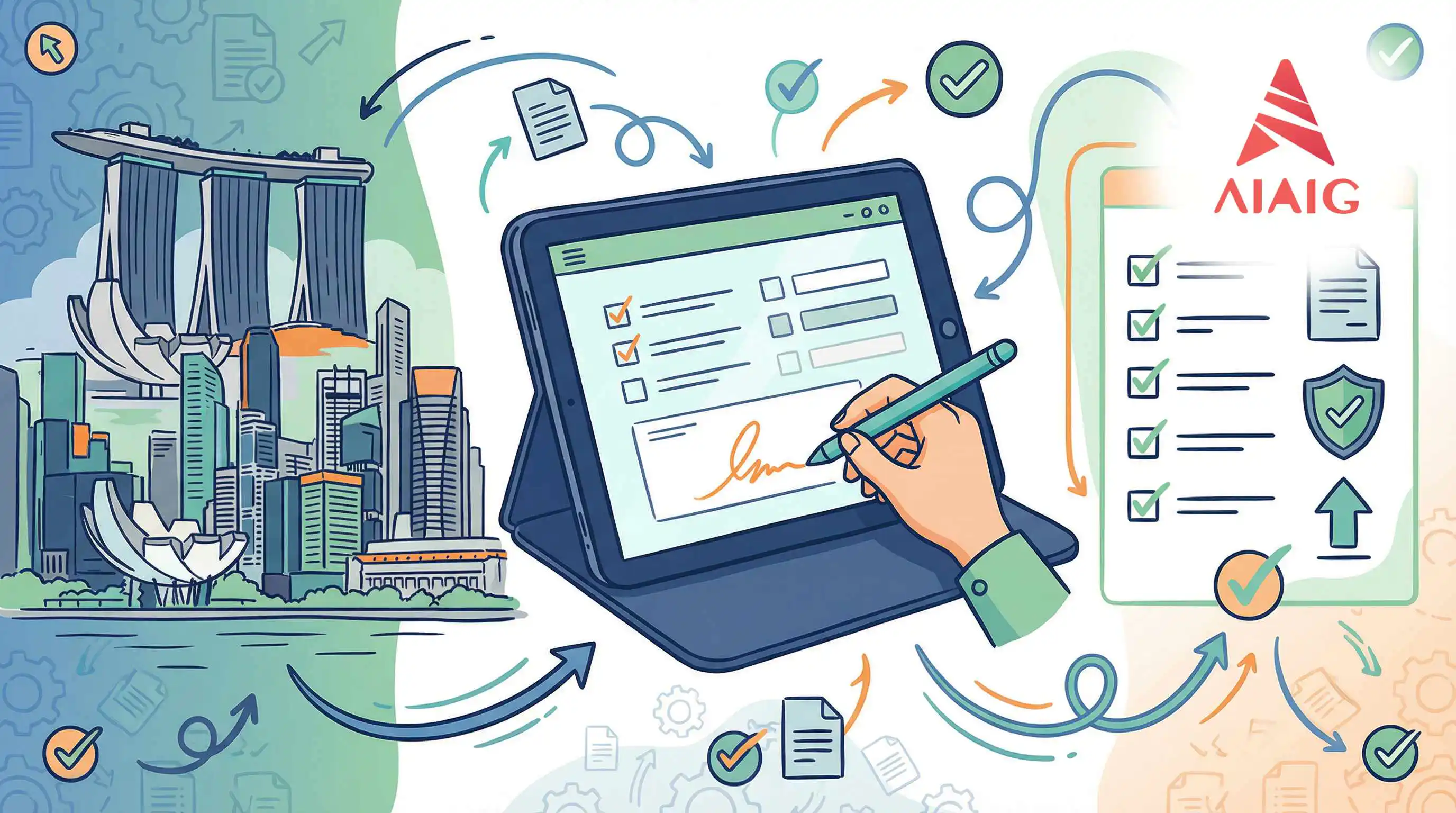
Before you enter the Immigration and Checkpoints Authority of Singapore, you already know that you must submit the SG Arrival Card. And most of you have already used the web version.
But now, it's more convenient and faster to fill out the electronic arrival card using the ==mobile app==!
- How can I get the Singapore Electronic Arrival Card mobile app?
- There are three methods to obtain it:
1. Visit the [official website](https://www.ica.gov.sg/public-education/myica-mobile) of ICA
2. Search directly in your mobile app store for "my ica mobile"
3. The image below provides a QR code for app download, which you can scan directly to download
Specific Filling Steps
Personal Information Profile Creation
Once you have completed the download of the app, you can open it and follow the steps in the images below to complete the Singapore Electronic Arrival Card.
Next is the filling of passport information. You will have two methods:
- Scan passport for quick filling
- Manually enter passport information
It is recommended to directly scan the passport for quick filling, which is very convenient!
Here will be a prompt page to guide you on how to scan your passport.
Simply scan the code area below the passport information page.
After entering all the information, select the save option. At this point, as shown in the figure below, your personal profile has been created.
==And this newly created personal profile can be used not only for your current trip but also for your future trips to Singapore.==
To submit the Singapore Arrival Card, please click the arrow icon next to your name to proceed with the next steps.
Itinerary Information Creation
Enter your travel time to Singapore (==only within the last three days==)
Choose a mode of transportation.
It is important to note that the flight code should correspond to the country of travel. The following image shows the flight codes for China.
Next, select and choose your address in Singapore.
If you choose a hotel, please select the hotel name.
Results
Last updated Jan 7, 2026